sysmind
# SysMind
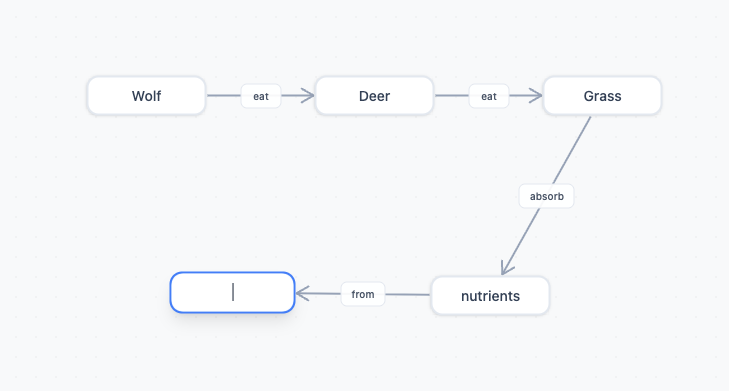
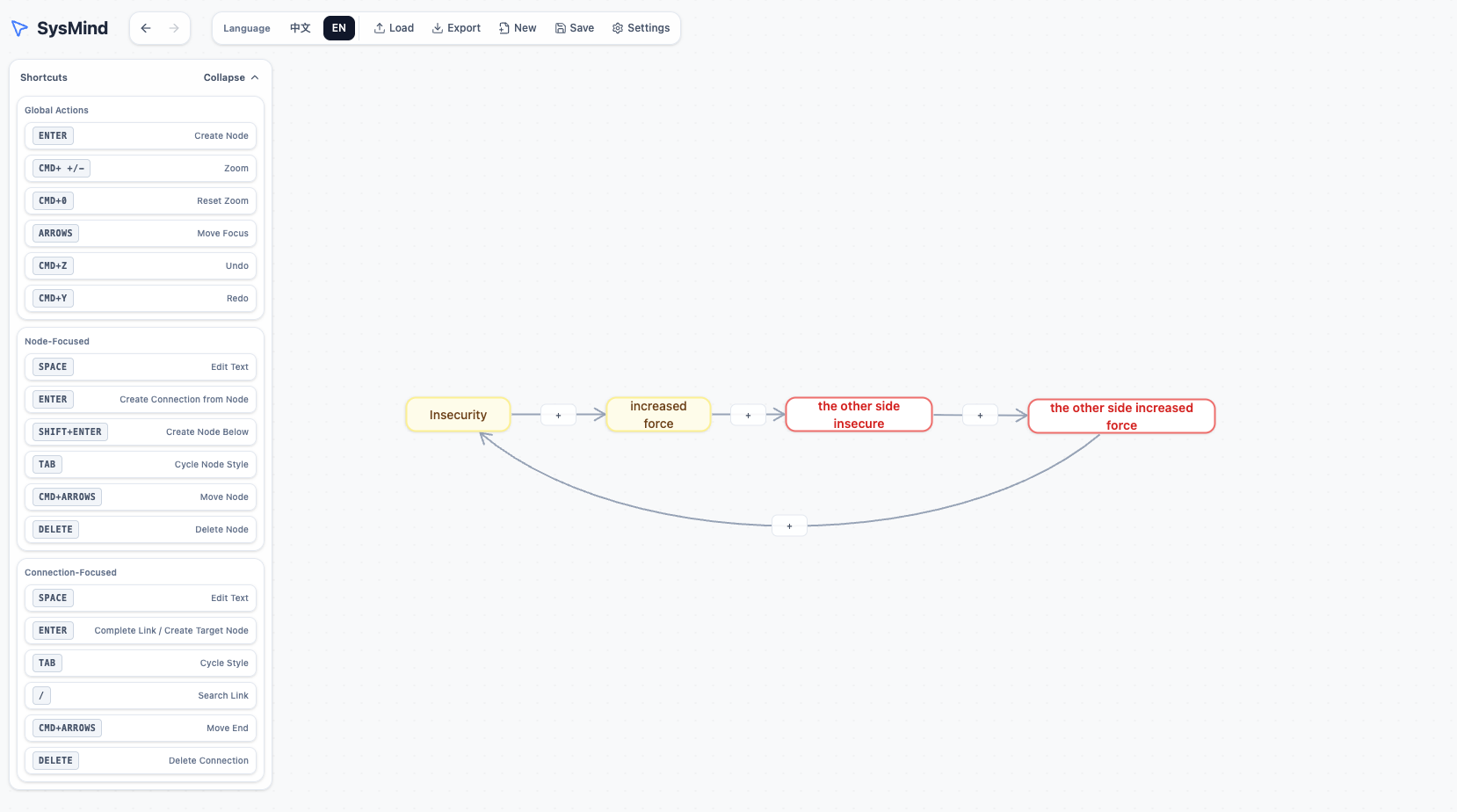
A powerful and intuitive system mapping tool designed for visualizing ideas, planning projects, and organizing thoughts. Create interconnected nodes and connections to build complex diagrams with ease.
## Features
- **Node Creation**: Add nodes with different styles (default, text, note, warning)
- **Connections**: Create directional connections between nodes (forward, backward, both, none)
- **Keyboard Shortcuts**: Full keyboard navigation and editing support
- **Undo/Redo**: Complete history management
- **Import/Export**: Save and load system maps as JSON files
- **Zoom & Pan**: Smooth canvas navigation
- **Multi-language**: Support for English and Chinese
- **Responsive Design**: Works on desktop and mobile browsers
## How to Use
### Creating Nodes
- Press `Enter` to create a new node
- Click on a node to select and edit its text
- Use `Tab` to cycle through node styles
### Creating Connections
- Select a node and press `Enter` to start a connection
- Click on another node to complete the connection
- Hold `Shift + Enter` to create a node below the current one
- Press `Ctrl + Enter` (or `Cmd + Enter` on Mac) for return connections
### Navigation
- Use arrow keys to move focus between elements
- `Ctrl + Scroll` (or `Cmd + Scroll` on Mac) to zoom in/out
- `Ctrl + 0` (or `Cmd + 0` on Mac) to reset zoom
- Drag the canvas to pan around
### Editing
- Press `Space` to edit the selected element
- Press `Delete` (or `Backspace` on Mac) to delete focused elements
- `Ctrl + Z` (or `Cmd + Z` on Mac) to undo
- `Ctrl + Y` (or `Cmd + Y` on Mac) to redo
## Controls
| Action | Shortcut |
|--------|----------|
| Create Node | `Enter` |
| Create Connection | `Enter` (on selected node) |
| Create Node Below | `Shift + Enter` |
| Return Connection | `Ctrl + Enter` / `Cmd + Enter` |
| Edit Text | `Space` |
| Delete | `Delete` / `Backspace` |
| Undo | `Ctrl + Z` / `Cmd + Z` |
| Redo | `Ctrl + Y` / `Cmd + Y` |
| Zoom In | `Ctrl + =` / `Cmd + =` |
| Zoom Out | `Ctrl + -` / `Cmd + -` |
| Reset Zoom | `Ctrl + 0` / `Cmd + 0` |
| Move Focus | Arrow Keys |
| Cycle Node Style | `Tab` |
| Search | `/` |
| Open Shortcuts | `Shift + ?` |
Leave a comment
Log in with itch.io to leave a comment.